Varsity Patch countdown video template
C9 in the editor’s list
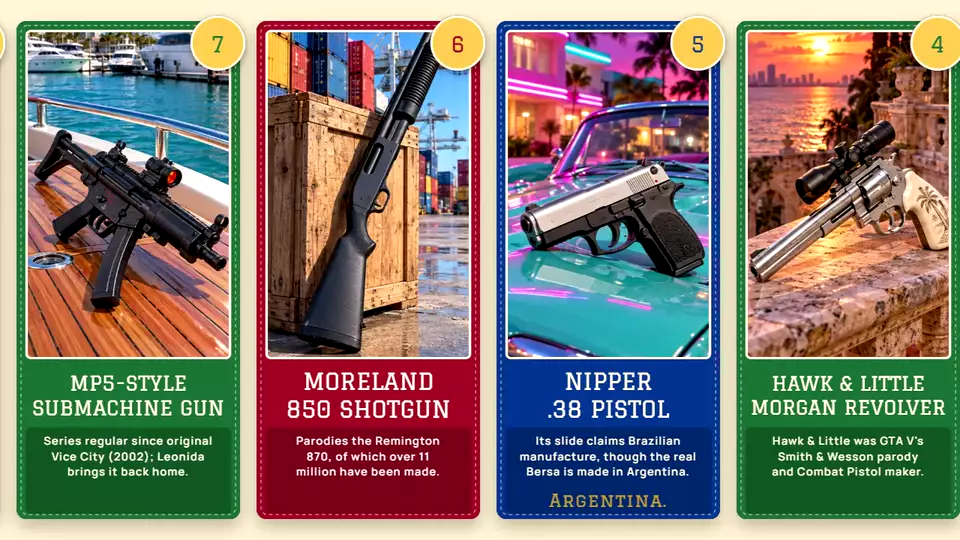
A real export from the editor, made with this design.
College colours, a stitched edge, a gold rank patch over the corner and a description box.
It suits clean countdowns where the picture and the rank do the talking.
How to make a countdown video with it
- Load a ranking from the Data Library, or paste your own table: every row becomes a card.
- Pick Varsity Patch, then change any text, colour or box on the card in Card design.
- Check the preview and export an MP4: 16:9 for YouTube, or vertical 9:16 for Shorts, Reels and TikTok.
Rankings to try it with
- Greatest Inventions in Human History
- Greatest Scientists of All Time
- Inventions That Changed the Modern World
- Medical Breakthroughs That Saved Millions
- Engineering Marvels of the Modern World
- Most Powerful Fighter Jets in the World